Tech Sphere Market
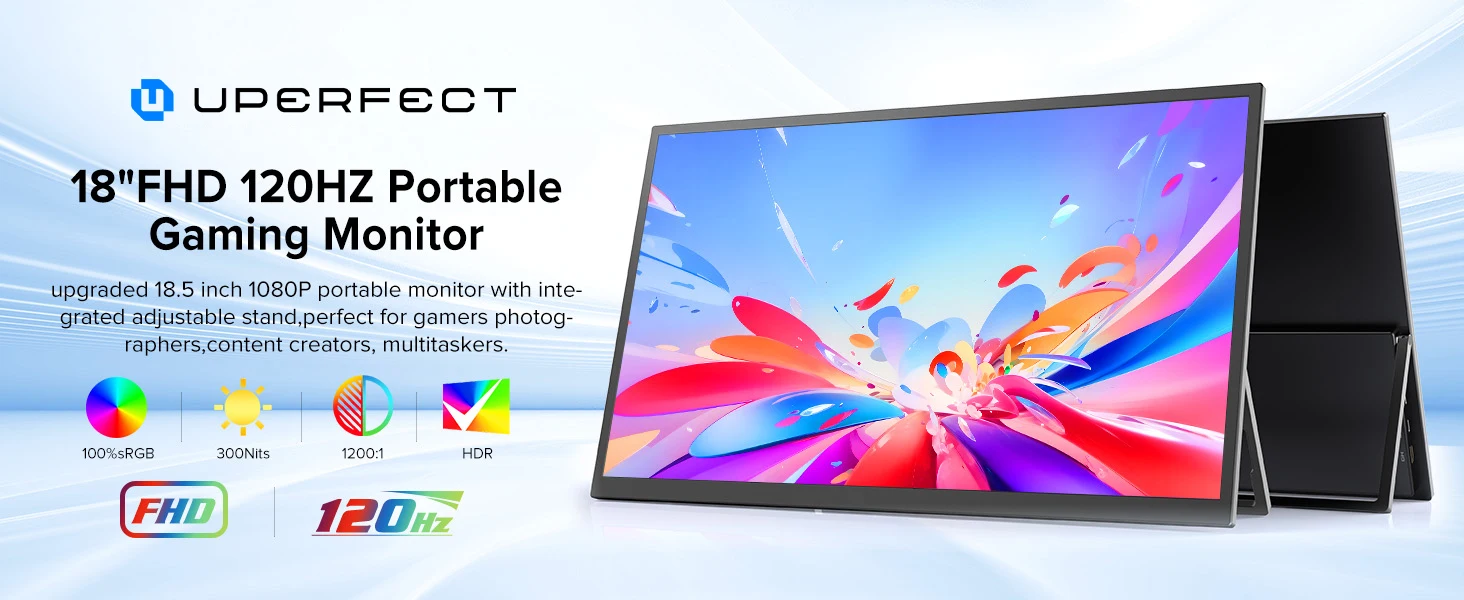
UPERFECT 120Hz Portable Monitor 18.5" IPS Screen With HDMI USB 3.1 HDR Stand For PC Steam Deck PS5 XBOX Switch Extend Display
UPERFECT 120Hz Portable Monitor 18.5" IPS Screen With HDMI USB 3.1 HDR Stand For PC Steam Deck PS5 XBOX Switch Extend Display
Couldn't load pickup availability
SPECIFICATIONS
Application: Laptop
Black and White Response Time: 10 ms
Bracket Type: Swivel Lift Bracket
Brand Name: Uperfect
Brightness: 300cd/m
Built-in Speaker: Yes
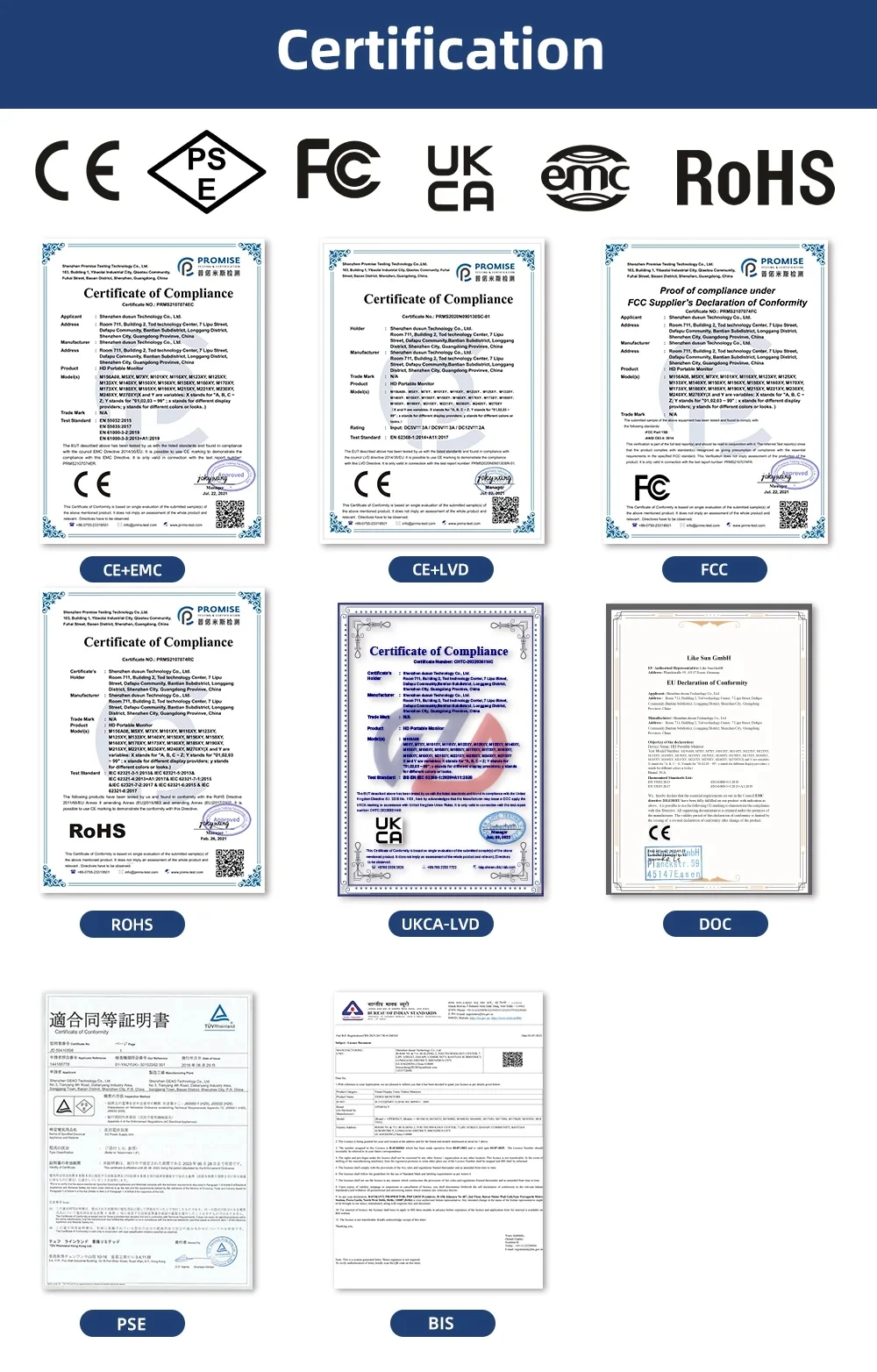
Certification: CE,EAC,FCC,RoHS,UL,KC,weee
Contrast Ratio: 1200:1
Display Ratio: 16:9
Feature: Usb port,Speaker,Gaming,Vertical mode
High-Dynamic Range: Other
High-concerned chemical: none
Horizontal Viewing Angle: 178°
Interface Type: HDMI-Compatible
Matrix color depth: 8 bit
Origin: Mainland China
Panel Type: IPS
Pixel Pitch: 0.28mm
Products Status: STOCK
Refresh Rate: 120 Hz
Resolution: 1920x1080
Response Time: 16ms
Screen Type: WLED
Screen curvature: NONE
Screen surface: MATT
Shape: Flat
Uperfect Model: Y
Vertical Viewing Angle: 80°
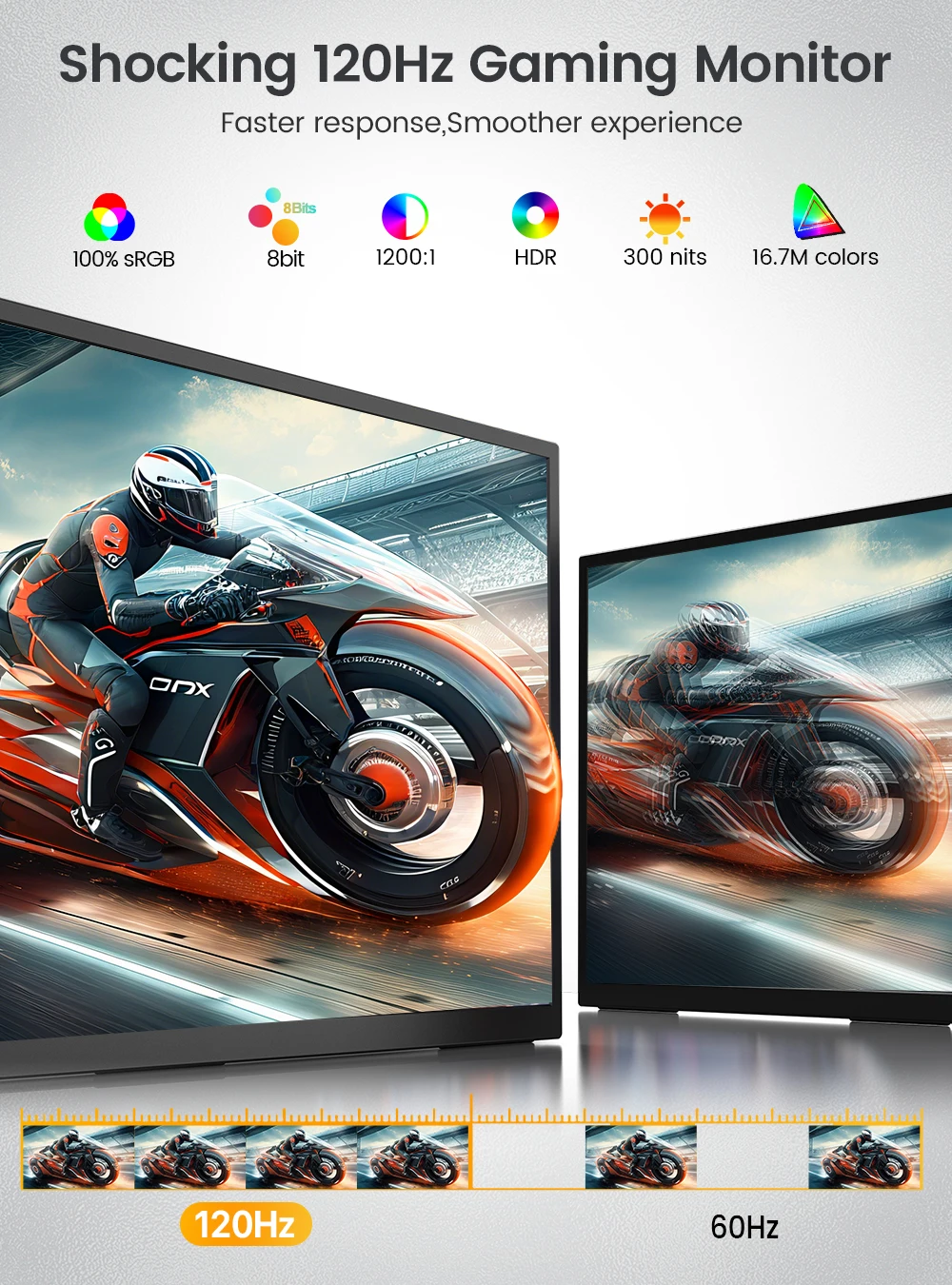
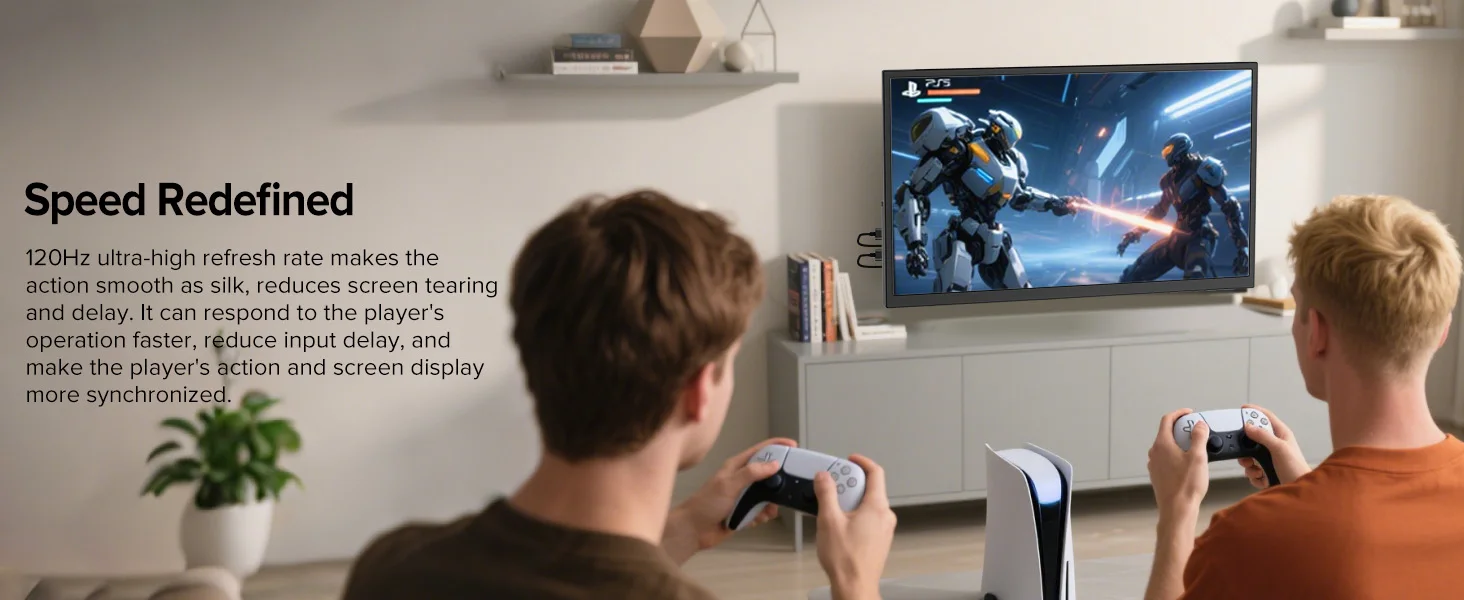
Shocking 120Hz Gaming Monitor
Faster response, Smoother experience
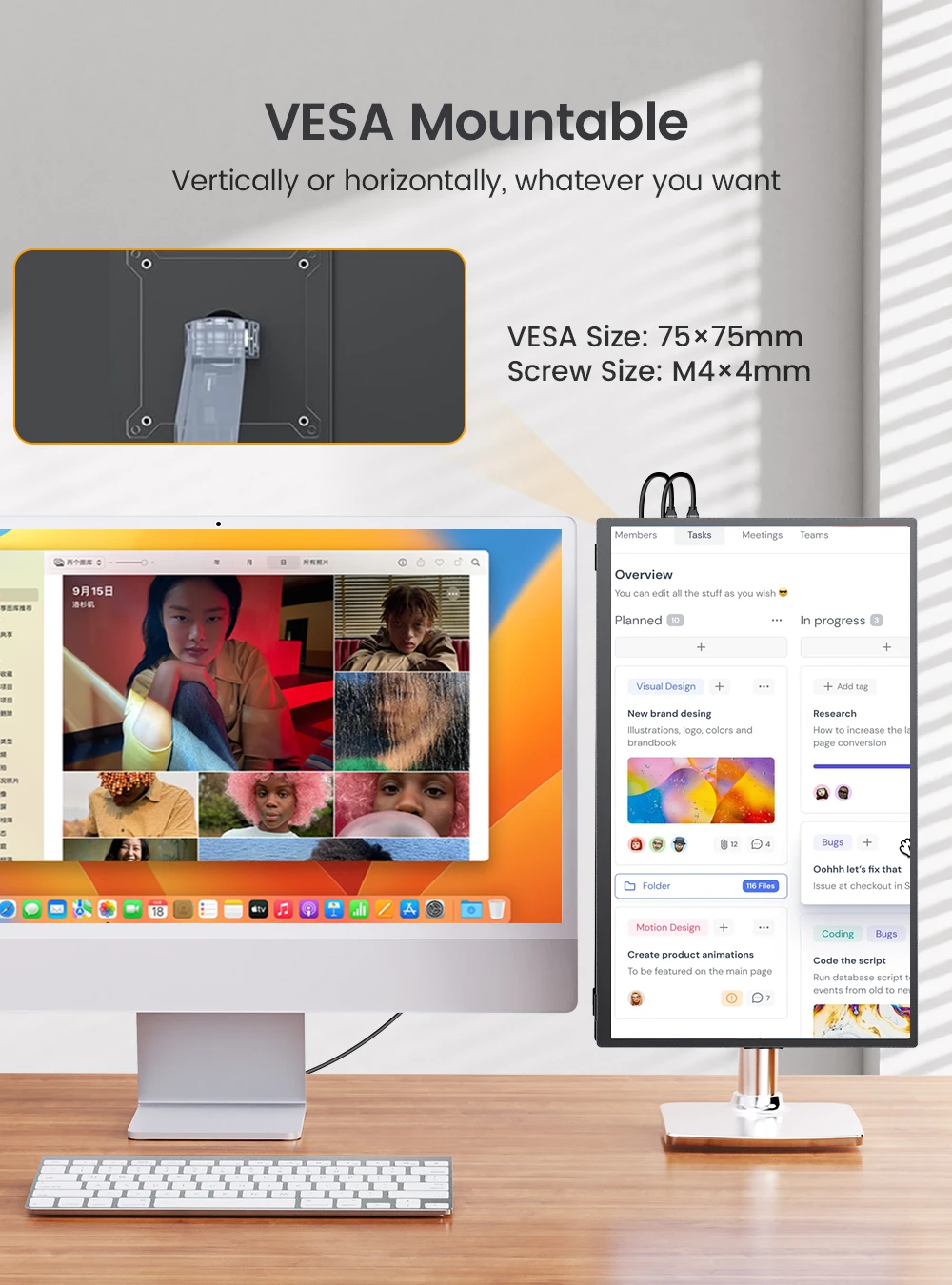
VESA Mountable
Vertically or horizontally, whatever you want
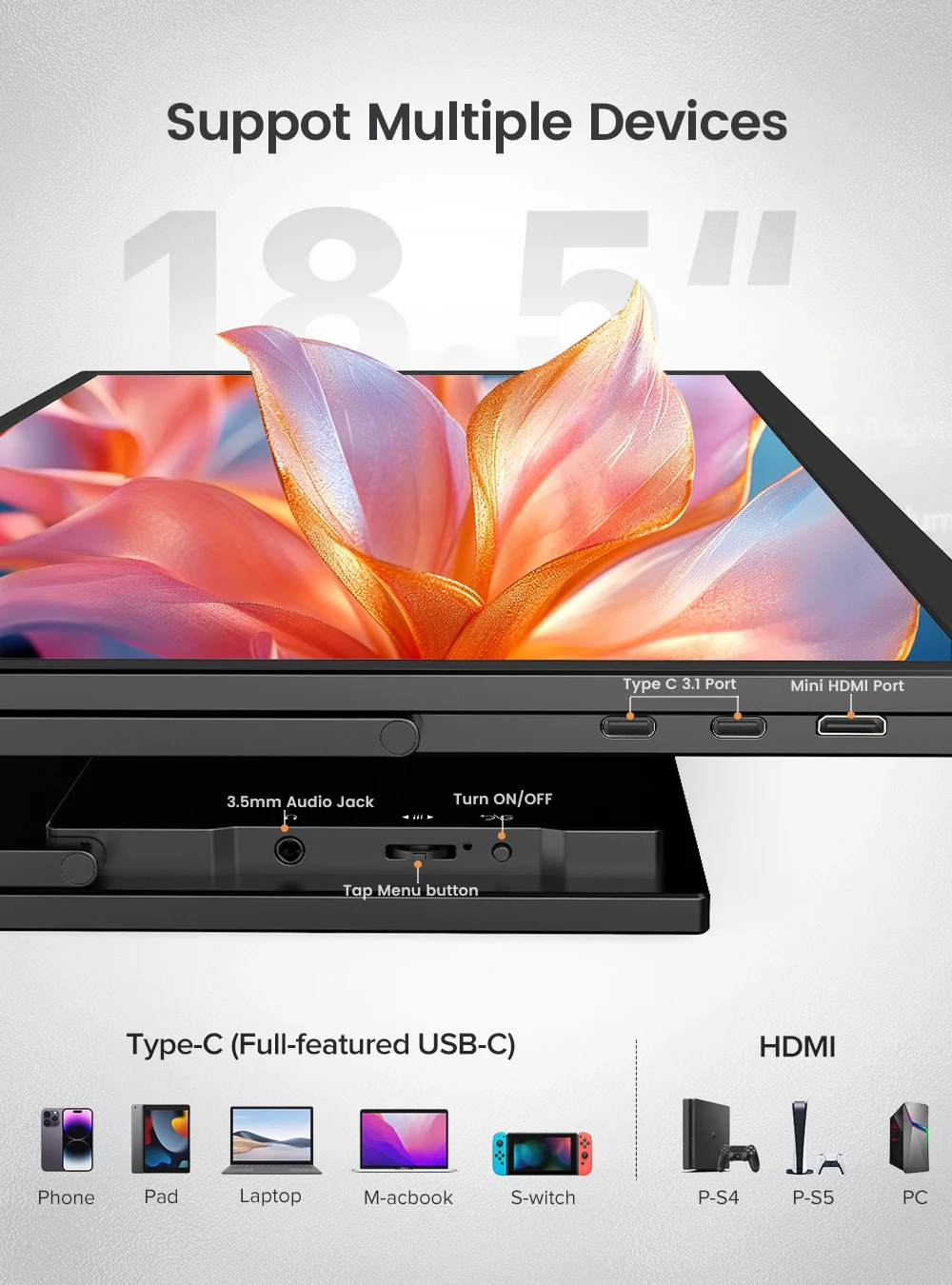
Support Multiple Devices
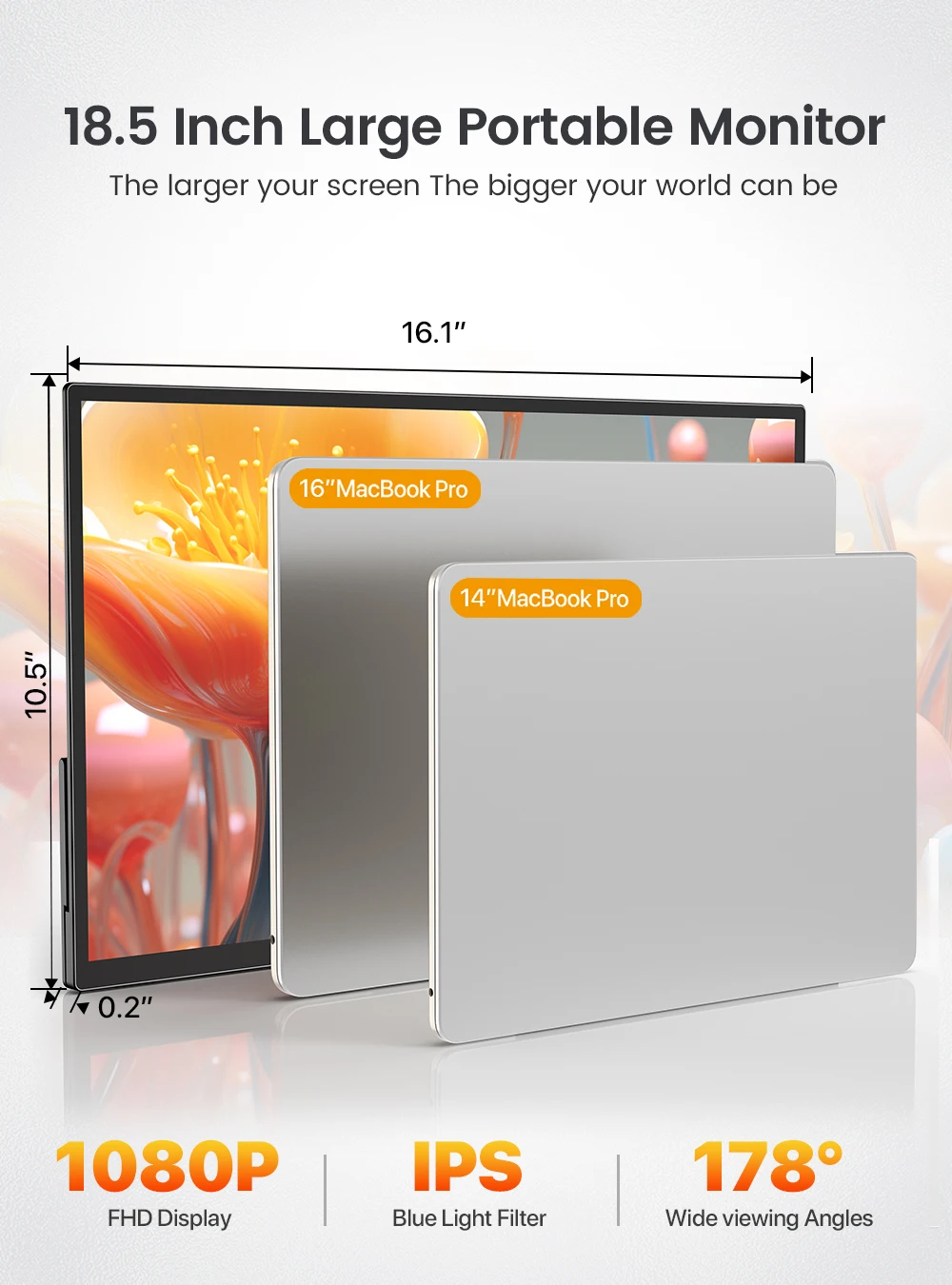
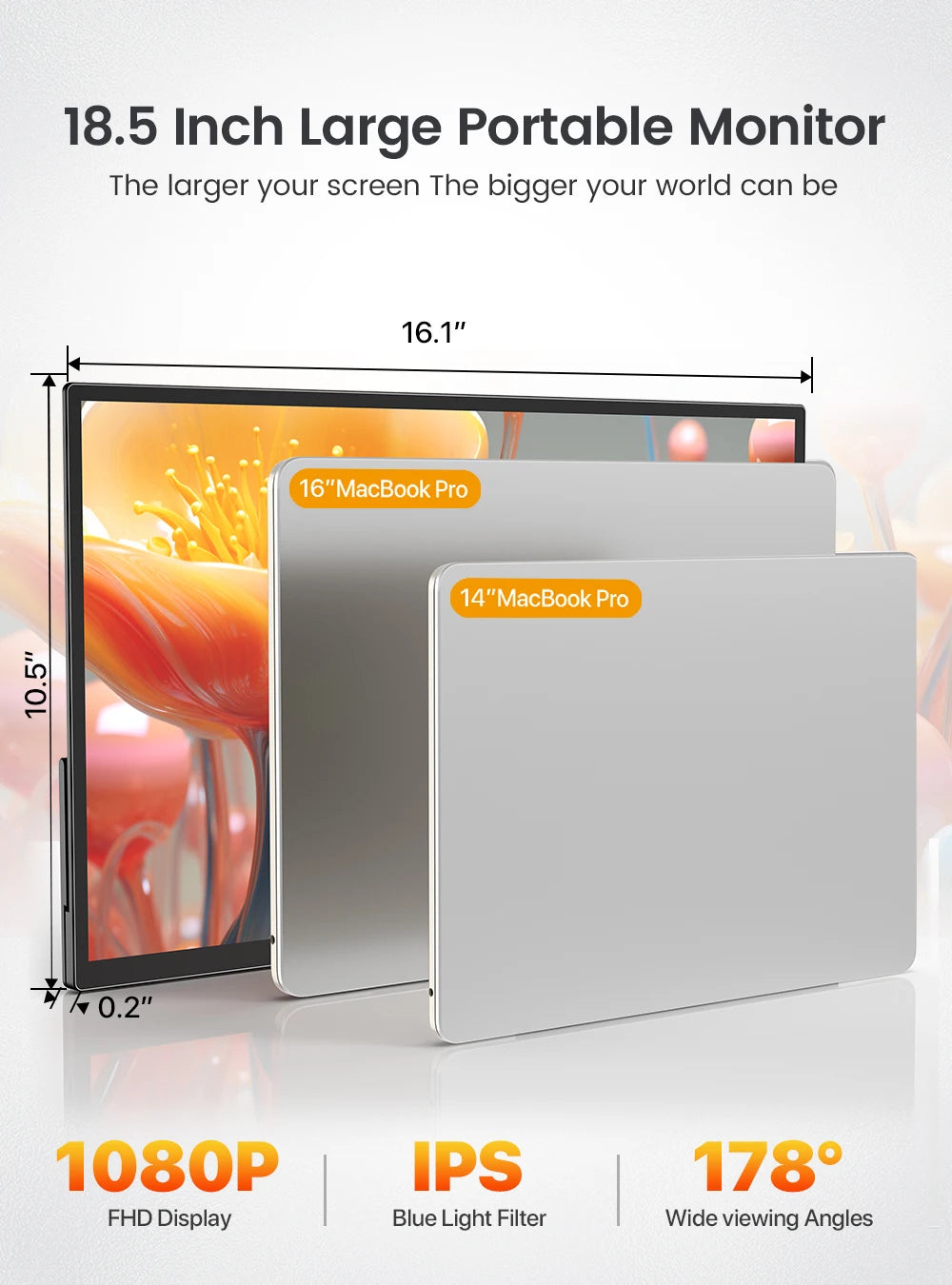
18.5inch Large Portable Monitor
The larger your screen, The bigger your world can be.
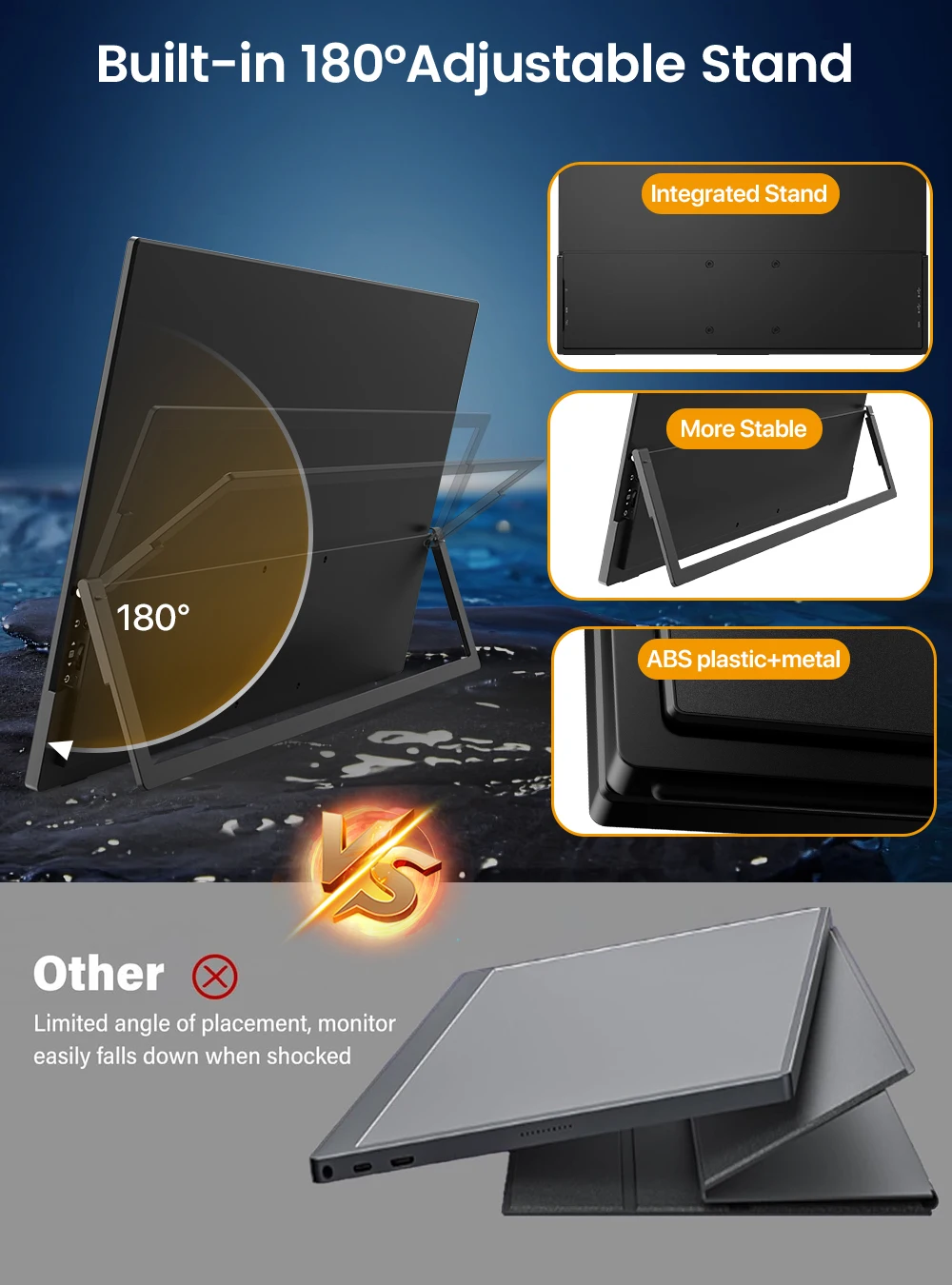
Built-in 180 Adjustable Stand

Spec:
Resolution: 1920*1080 FHD
Display Color: 16.7M
Visual Angle: 178° Full View Angle
Contrast Ratio: 1200:1
Brightness: 300 cd/㎡
Refresh Rate: 120Hz
NTSC: 72%
sRGB: 100%
Response time : 16ms
Display area: 408.96(W) × 230.04(H)
Bulit-in Speakers: Dual 8Ω 1W Speakers
Input Interface: Full Function Type-C * 2, Mini HD * 1 ,3.5mm Audio*1
VESA:75mm*75mm
Screen Type: Matte
Color: Black
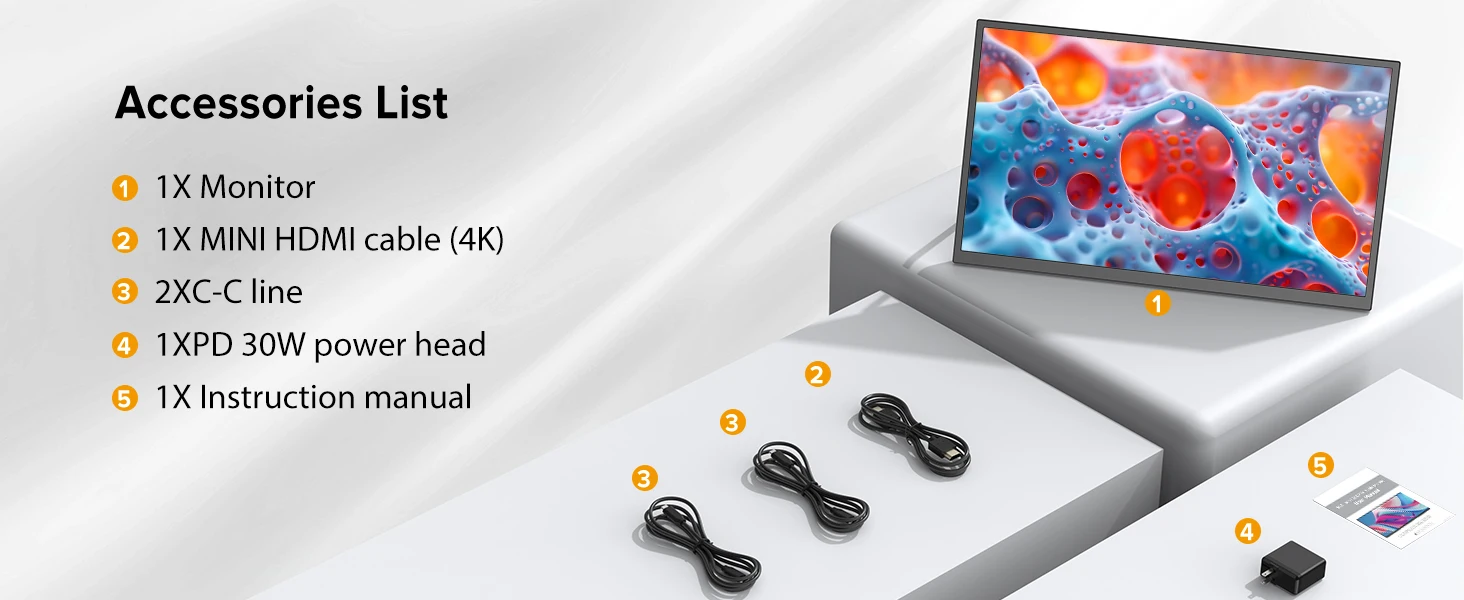
What's in the box
1 * 18.5'' Portable Monitor
1 * Mini HDMI to Standard HDMI Cable
2 * Type C to Type C Cable
1* PD Power Charger
1* User Manual
Warm tips:
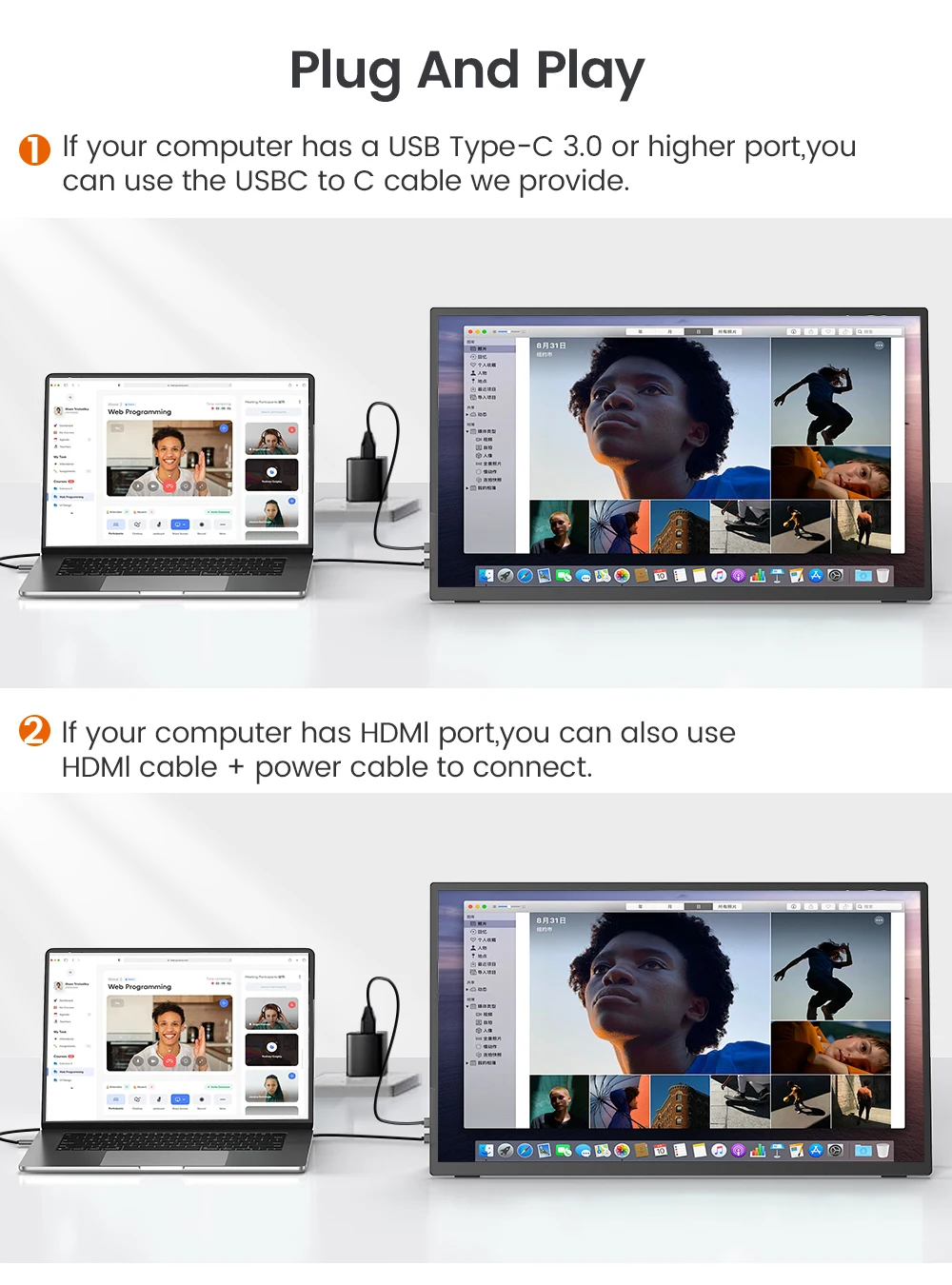
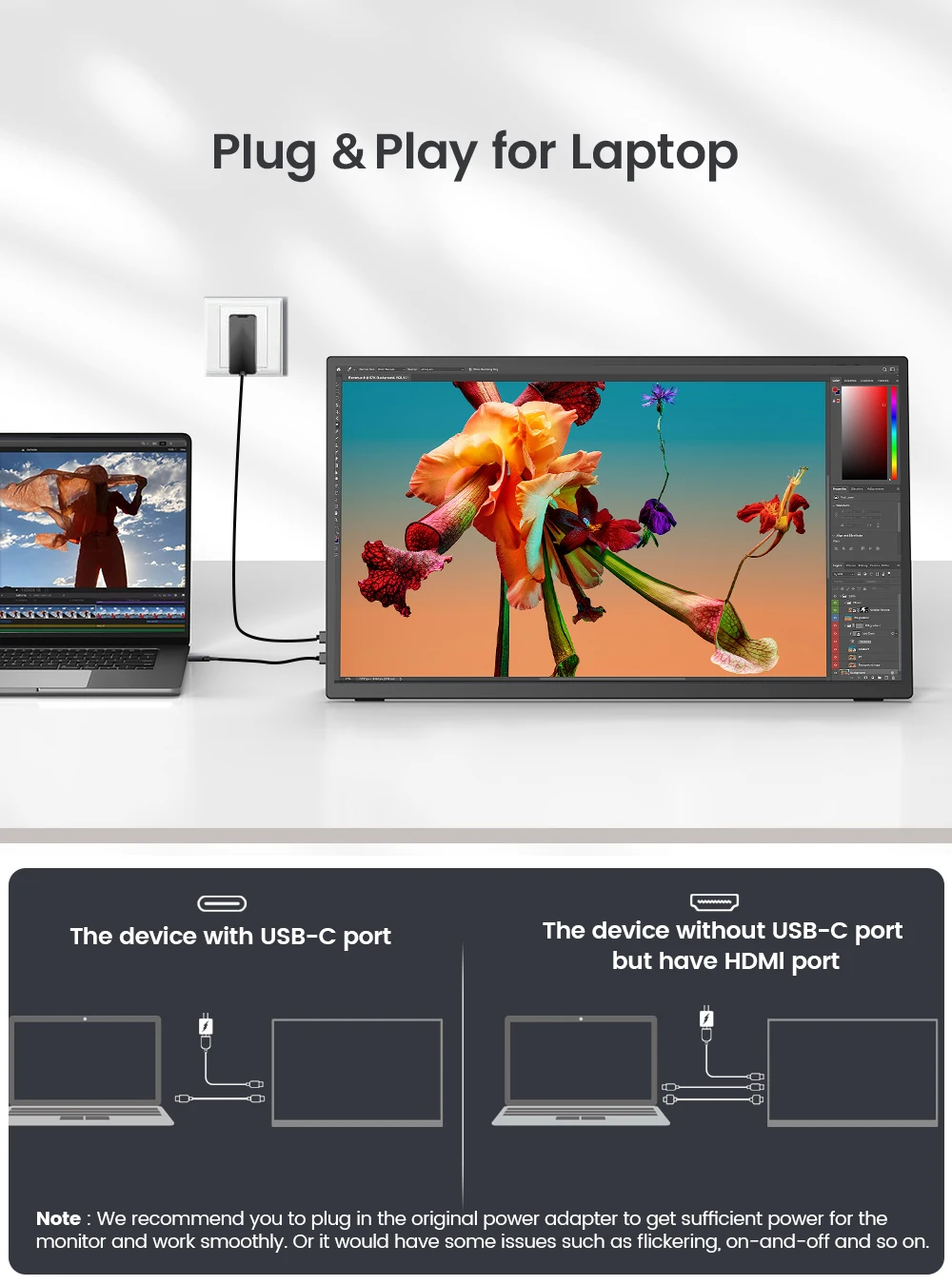
If the screen signal is poor or flickers, make sure you are only operating the monitor with the adapter that came with it. With other adapters, the voltage may be insufficient. If the screen still flickers, please swap the HDMI cable to test.
Please check the Type-C port of your PC/Laptop whether it supports the transmission of audio and video signals (Thunderbolt3). If it doesn't, you'll need a "Type-C to HDMI" adapter for signal transmission.
If "No Signal" or "Power Saving Mode" appears, please switch the Type-C cable head to another side and reconnect the monitor.
The monitor turns on in the default power save mode. (Note: No save function in sleep mode, you need to close it manually.)
The 18.5" portable monitor has no built-in battery, without touchscreen function,you can't charge it.you cant touch it, just connect and get started.